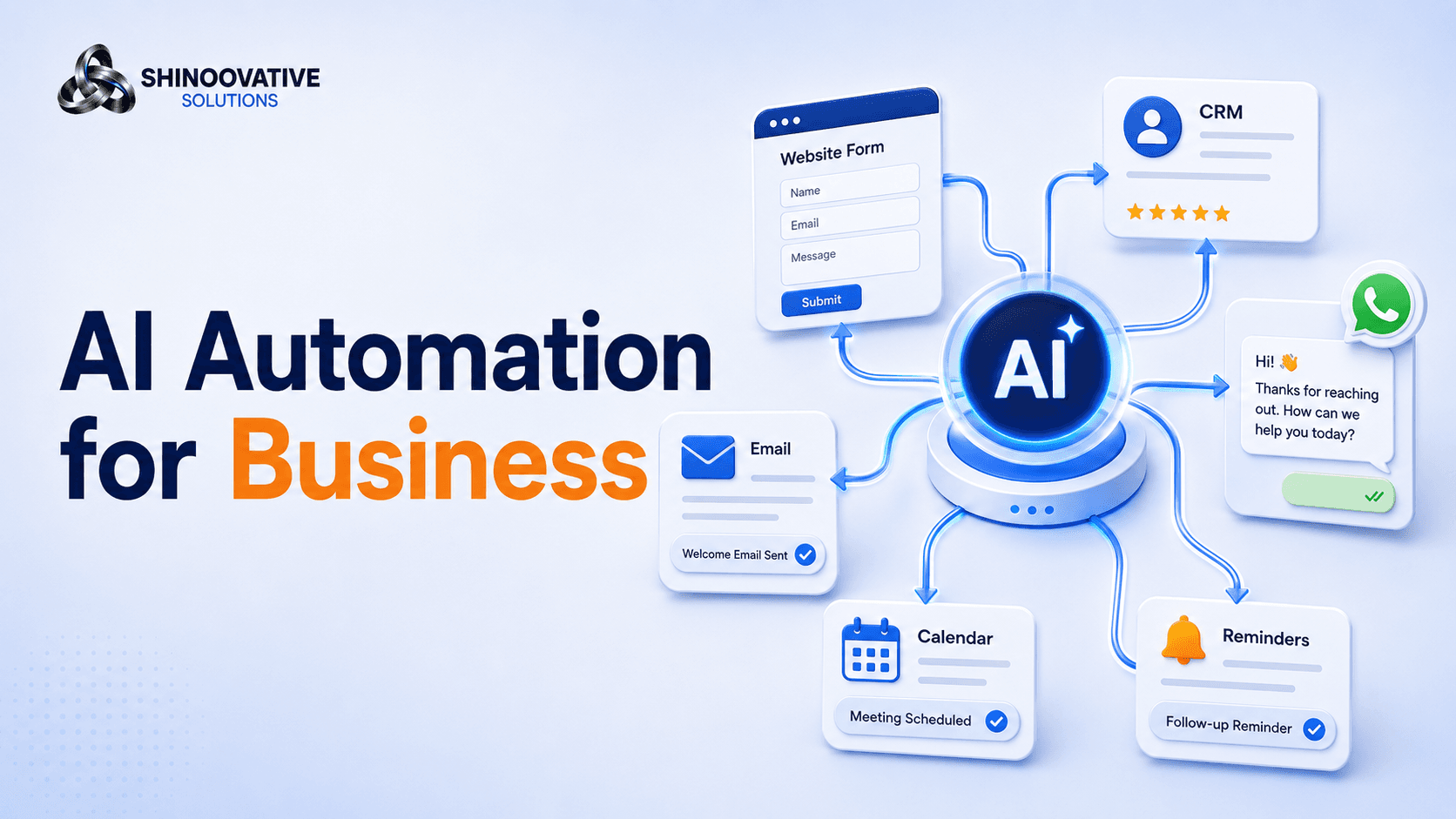
AI Automation for Businesses: Save Time Without Losing the Human Touch
A customer fills out a form on your website at 9:30 PM.
They are interested. They have a real need. They may even be ready to buy.
But your team sees the inquiry the next morning. Someone plans to reply after lunch. By then, the customer has already contacted two competitors.
This is one of the quietest ways businesses lose leads.
Not because the service is bad. Not because the customer was not interested. But because the response was slow.
This is where AI automation can help.
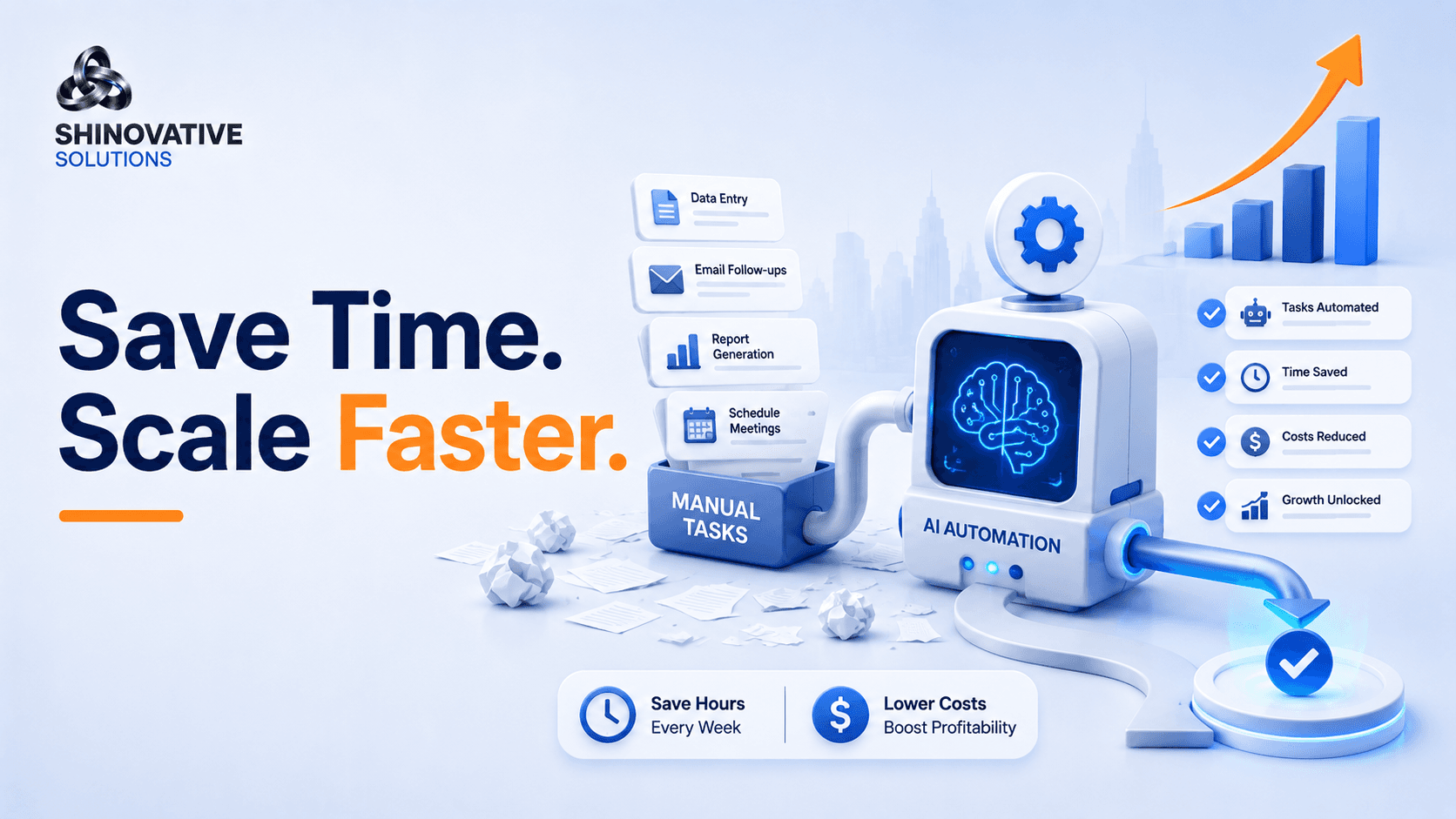
AI automation is not about replacing people. It is about removing repetitive delays so your team can respond faster, stay organized, and focus on the conversations that actually need human attention.
For small businesses, that can make a big difference.
What Is AI Automation?
AI automation means using artificial intelligence and workflow tools to handle repetitive business tasks automatically.
These tasks can include:
- Replying to common questions
- Sending lead follow-ups
- Updating CRM records
- Scheduling appointments
- Sending reminders
- Sorting inquiries
- Creating reports
- Collecting customer details
- Triggering email or WhatsApp messages
- Summarizing conversations
In simple words:
AI automation helps your business do routine work faster and more consistently.
It does not mean every customer interaction should become robotic. The best automation supports the human team instead of replacing the human experience.
The Real Problem: Small Tasks Become Big Bottlenecks
Most businesses do not realize how much time is lost in small repeated tasks.
For example:
- Copying leads from forms to a spreadsheet
- Sending the same reply again and again
- Asking every customer the same basic questions
- Reminding people about appointments
- Following up after missed calls
- Checking whether a lead has been contacted
- Creating weekly reports manually
Each task may only take a few minutes.
But across days and weeks, these small tasks become operational drag.
The team becomes busy, but not always productive.
AI automation reduces this drag.
A Simple Example: The Missed Lead Problem
Imagine a local service business running Google Ads and Meta Ads.
Leads come from multiple places:
- Website form
- Instagram DM
- Facebook lead form
- Phone calls
Without automation, the team has to manually check every platform.
Some leads get replied to quickly. Some are missed. Some are forgotten. Some are contacted twice. Some are never added to a tracking sheet.
Now imagine an automated system.
When a lead comes in:
- The lead is saved in a CRM or sheet.
- The customer receives an instant confirmation.
- The team gets notified.
- The lead is tagged by source.
- A follow-up reminder is created.
- The customer gets a helpful next-step message.
Nothing magical. Just organized.
That is the real value of automation.
Where AI Automation Helps Most
AI automation is most useful where the task is repeated, rule-based, or time-sensitive.
Here are practical areas where businesses can use it.
1. Lead Follow-Up Automation
Speed matters when someone shows interest.
An automated follow-up can instantly respond with:
Thank you for reaching out. We received your inquiry. Could you share your website or business profile link so we can understand your requirement better?
This keeps the conversation alive until a human team member responds.
For Shineovative-style services, automation can ask:
- What service are you interested in?
- Do you want more leads, better ranking, website development, or automation?
- Do you already have a website?
- What is your business location?
- What is your preferred contact time?
By the time the team speaks to the lead, they already have useful context.
2. Customer Support and FAQ Automation
Many customers ask the same questions:
- What are your services?
- What is the pricing?
- How long does it take?
- Do you provide support?
- Can I book a consultation?
- Where are you located?
An AI chatbot or automated FAQ assistant can answer basic questions instantly.
But the key is to design it carefully.
Bad automation sounds cold:
Please select option 1, 2, or 3.
Better automation feels helpful:
I can help you understand our services. Are you looking for SEO, paid ads, website development, e-commerce, or AI automation?
The goal is not to trap customers in a bot. The goal is to guide them faster.
3. Appointment and Reminder Automation
If your business depends on calls, meetings, consultations, or appointments, reminders can reduce no-shows.
Automation can send:
- Booking confirmation
- Reminder before appointment
- Reschedule link
- Post-meeting follow-up
- Review request
- Next-step message
For example:
Reminder: Your digital growth consultation with Shineovative is scheduled for tomorrow at 11 AM. Please keep your website or business profile link ready so we can review it during the call.
This feels professional and saves time.
4. Internal Task Automation
Automation is not only for customers. It can help teams internally too.
Examples:
- Assigning leads to team members
- Creating tasks after form submissions
- Sending project update reminders
- Generating weekly performance summaries
- Moving leads between pipeline stages
- Notifying the team when a high-value inquiry comes in
This helps reduce confusion.
Instead of asking, “Who is handling this lead?” the system already knows.
5. Marketing Automation
AI automation can support marketing tasks such as:
- Drafting email follow-ups
- Creating content ideas
- Segmenting leads
- Sending nurture messages
- Recommending next actions
- Summarizing campaign results
- Triggering retargeting workflows
For example, if someone downloads a checklist, they can receive a useful follow-up email series instead of being forgotten.
Automation helps continue the conversation after the first interaction.
The Human Touch Rule
The biggest fear businesses have is this:
Will automation make us sound robotic?
It can, if done badly.
That is why the human touch rule matters:
Automate the repetitive task, not the relationship.
Use automation for speed, organization, reminders, and basic guidance.
Use humans for:
- Serious sales conversations
- Strategy discussions
- Sensitive complaints
- Custom proposals
- Negotiation
- Relationship building
- Creative decisions
The best businesses use automation to support better human service.
They do not use it to avoid customers.
Quick AI Automation Readiness Checklist
Before adding automation, ask:
- Which tasks are repeated every week?
- Which leads or messages are getting delayed?
- Where is the team copying data manually?
- Which customer questions are repeated often?
- Which follow-ups are being missed?
- What information should be collected before a call?
- Which tools are already being used?
- Where should human handoff happen?
- What should never be fully automated?
Start with one problem.
Do not automate everything at once.
Common AI Automation Mistakes
1. Automating a broken process
If the current process is unclear, automation will only make the confusion faster.
Fix the process first.
2. Making the bot too complicated
Customers should not feel trapped. Keep the flow simple.
3. Removing human support completely
Automation should guide, not block, customers.
4. Not testing responses
Automated messages should be reviewed regularly to make sure they sound natural.
5. Using automation without tracking
Measure response time, lead quality, missed leads, bookings, and customer satisfaction.
Creative Example: The Restaurant Inquiry System
A restaurant gets inquiries for table bookings, birthday parties, catering, and event orders.
Before automation, staff reply manually whenever they are free.
After automation:
- A WhatsApp assistant asks the inquiry type.
- Catering leads are sent to the manager.
- Table bookings receive a confirmation link.
- Birthday party inquiries receive package details.
- Missed inquiries are added to a follow-up list.
- Customers receive reminders before the event.
The restaurant still talks to customers personally.
But now fewer inquiries are missed.
That is good automation.
Final Takeaway
AI automation is not about making your business less human.
It is about making your business more responsive, organized, and consistent.
When routine tasks are automated, your team gets more time for strategy, creativity, customer relationships, and sales conversations.
The best automation does not replace care.
It protects it by making sure customers are not ignored, leads are not lost, and follow-ups do not depend on memory.
FAQs
What is AI automation for businesses?
AI automation for businesses means using artificial intelligence and workflow tools to handle repetitive tasks like lead follow-up, customer replies, scheduling, CRM updates, and reporting.
Can small businesses use AI automation?
Yes. Small businesses can start with simple automations such as instant lead replies, WhatsApp follow-ups, appointment reminders, and customer inquiry sorting.
Will AI automation replace employees?
Not necessarily. Good automation supports employees by reducing repetitive work so they can focus on higher-value tasks and customer relationships.
What business tasks should be automated first?
Start with tasks that are repetitive, time-sensitive, and easy to define, such as lead capture, follow-up reminders, appointment confirmations, and FAQ responses.
How do I keep automation from sounding robotic?
Use natural language, keep flows simple, provide human handoff options, and review automated messages regularly.
Internal Link Suggestions
Link this blog to:
- AI Automation Services page
- Digital Marketing Strategy blog
- Google Ads Optimization blog
- Meta Ads Strategy blog
- Social Media Management blog
- Contact page
Suggested anchor text:
- AI automation services
- digital marketing strategy
- Google Ads lead follow-up
- Meta Ads lead management
- social media management
- business automation audit
Soft CTA
If your business is getting leads but losing time in manual replies, follow-ups, spreadsheets, and repeated customer questions, AI automation may be the missing system.
Shineovative Solutions can help you identify what should be automated, what should stay human, and how to build workflows that save time without hurting customer experience.