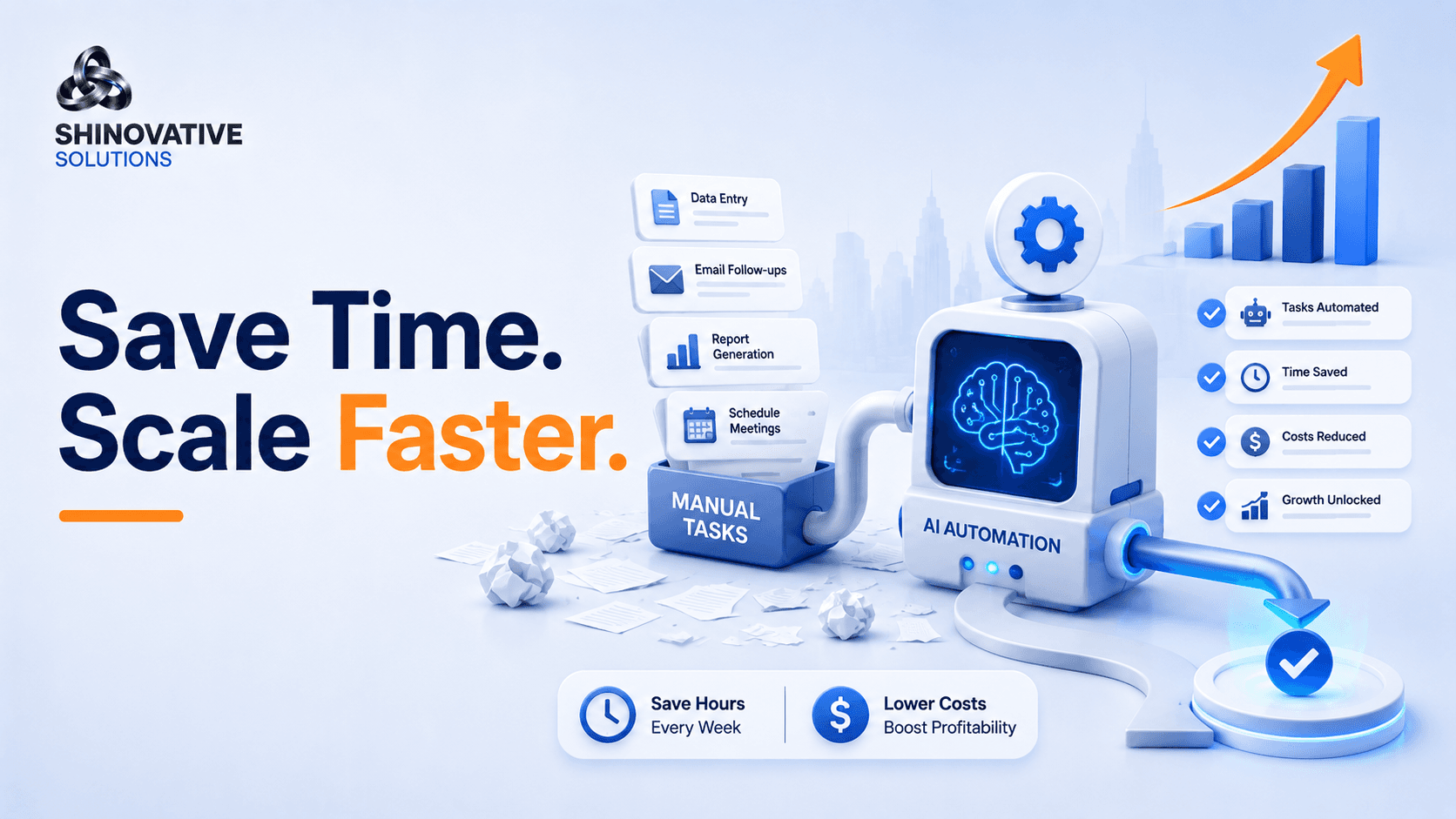
AI Automation: Save Time, Cut Costs, and Scale Faster
Every growing business reaches a strange stage.
The business is getting inquiries. Customers are asking questions. Leads are coming from ads, websites, WhatsApp, Instagram, referrals, and calls.
That should feel exciting.
But instead, the team starts feeling overloaded.
Someone has to reply to every inquiry. Someone has to update the spreadsheet. Someone has to send reminders. Someone has to follow up with leads. Someone has to prepare reports. Someone has to check whether tasks were completed.
Growth creates work. And if the systems are weak, more growth creates more chaos.
This is where AI automation becomes useful.
AI automation helps businesses save time, reduce manual work, and scale operations without depending on memory, scattered messages, or endless repetitive tasks.
What Does AI Automation Really Mean?
AI automation means using artificial intelligence and workflow tools to complete repetitive or rule-based tasks with less manual effort.
It can help with:
- Lead collection
- Lead qualification
- Customer replies
- Follow-up reminders
- Appointment scheduling
- Email responses
- Report summaries
- CRM updates
- Invoice reminders
- Task assignments
- Review requests
In simple words:
AI automation helps your business do the same important tasks faster, more consistently, and with fewer mistakes.
The goal is not to make the business feel robotic. The goal is to remove unnecessary manual work so people can focus on work that actually needs human judgment.
The Hidden Cost of Manual Work
Manual work looks harmless because it happens in small pieces.
Five minutes to copy a lead. Three minutes to send a follow-up. Ten minutes to prepare a report. Two minutes to check a missed message. Fifteen minutes to remind a customer.
But across a week, these small tasks become hours.
Across a month, they become lost productivity.
Across a year, they become a real cost.
The bigger problem is not only time. It is inconsistency.
Manual processes often lead to:
- Missed leads
- Late replies
- Duplicate work
- Wrong data
- No clear ownership
- Poor follow-up
- Slow reporting
- Customer frustration
Automation solves this by making important actions happen reliably.
The Save, Cut, Scale Framework
A simple way to understand AI automation is:
Save Time → Cut Waste → Scale Faster
Let’s break it down.
1. Save Time by Automating Repetitive Tasks
Start by identifying tasks your team repeats every week.
For example:
- Sending the same welcome message
- Asking leads for the same details
- Moving customer data into a sheet
- Sending meeting reminders
- Sharing pricing information
- Creating basic reports
- Assigning tasks after form submissions
These are good candidates for automation.
Example
A business receives website inquiries.
Without automation:
- Team checks email.
- Copies lead to sheet.
- Sends reply manually.
- Notifies salesperson.
- Sets reminder manually.
- Follows up if remembered.
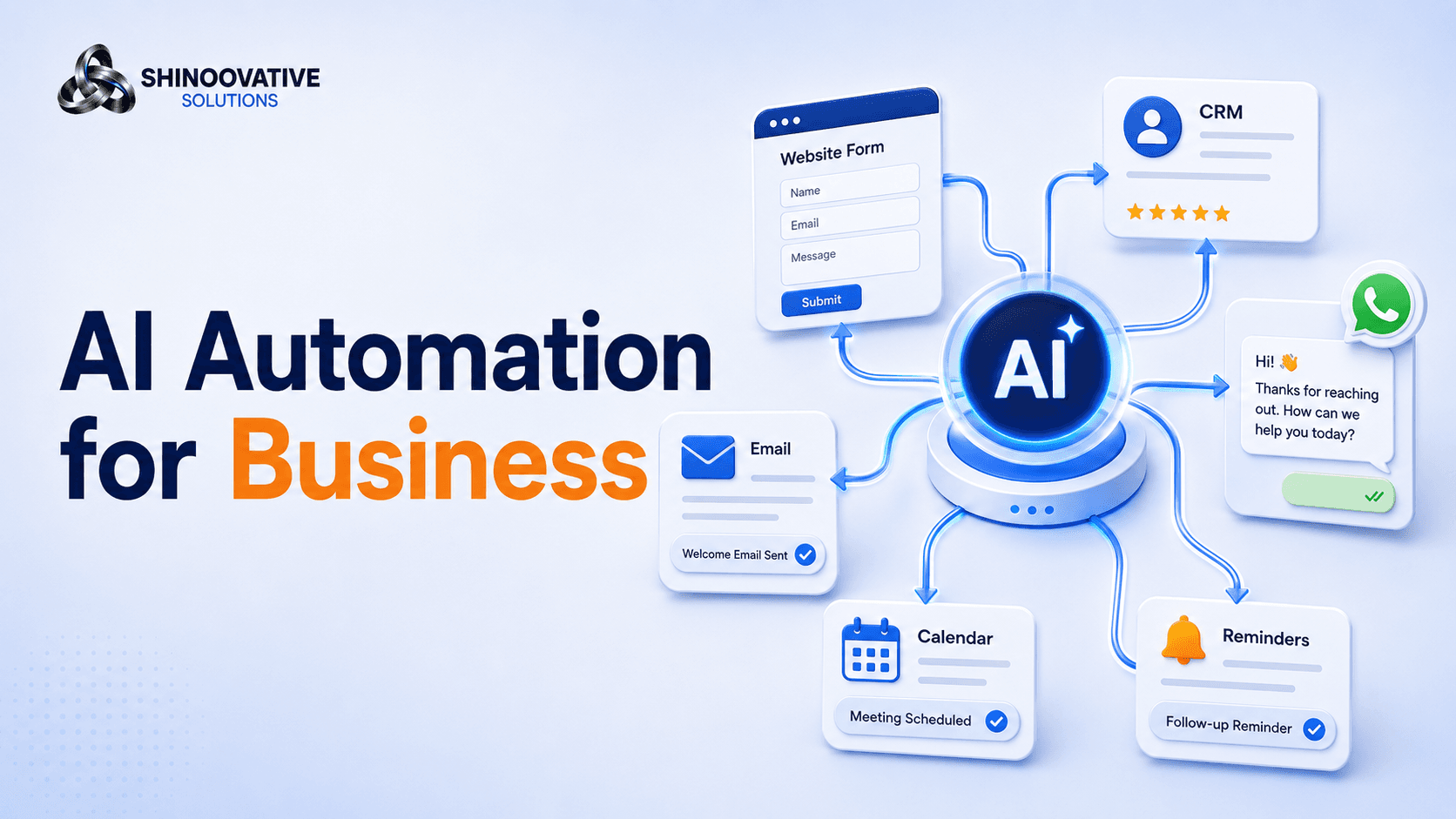
With automation:
- Lead enters form.
- Details go to CRM or sheet.
- Customer receives instant response.
- Team gets notification.
- Follow-up task is created.
- Reminder is triggered automatically.
The customer gets a faster response, and the team saves time.
2. Cut Costs by Reducing Operational Waste
AI automation does not only save minutes. It reduces waste.
Waste can mean:
- Paying people to do repetitive copy-paste work
- Losing leads because replies are delayed
- Spending on ads but not following up properly
- Missing appointments
- Repeating the same explanations
- Creating reports manually
- Handling avoidable confusion
For example, if a business spends money on Google Ads but takes too long to respond to leads, part of the ad budget is wasted.
Automation protects that budget.
A fast auto-response, lead notification, and follow-up reminder can improve the chance of converting paid leads.
That is how automation supports marketing ROI.
3. Scale Faster Without Breaking the Team
Scaling means handling more customers, more leads, more orders, or more operations.
But if every new lead creates more manual work, the team eventually gets overwhelmed.
Automation creates capacity.
It helps the same team handle more volume without everything becoming messy.
Example
An e-commerce store gets 30 orders per day. Manual tracking works.
Then it grows to 200 orders per day.
Suddenly, manual updates, shipping messages, customer replies, and return requests become difficult.
Automation can help with:
- Order confirmation
- Shipping updates
- Return instructions
- Customer support FAQs
- Review requests
- Abandoned cart reminders
- Inventory alerts
This allows the business to grow without collapsing under repetitive work.
Where Businesses Should Use AI Automation First
Do not automate everything at once.
Start with the areas where delay or repetition is hurting the business most.
Lead Management
Best for businesses running ads or getting website inquiries.
Automate:
- Lead capture
- Instant reply
- Lead source tagging
- Sales team notification
- Follow-up reminders
Customer Support
Best for businesses receiving repeated questions.
Automate:
- FAQs
- Service information
- Pricing guidance
- Order status
- Appointment details
- Human handoff
Marketing Follow-Up
Best for businesses with warm leads.
Automate:
- Email sequences
- WhatsApp follow-ups
- Download confirmations
- Consultation reminders
- Retargeting triggers
Internal Operations
Best for growing teams.
Automate:
- Task creation
- Team notifications
- Report summaries
- Project reminders
- Approval workflows
Creative Example: The Coaching Business That Stopped Losing Leads
A coaching business was running Meta Ads for consultation calls.
Leads were coming in, but many were not converting.
The problem was not the ad.
The problem was follow-up.
Leads filled the form, but the team replied late. Some leads were called without context. Some were never contacted again after the first attempt.
A simple automation fixed the flow:
- Lead submitted form.
- Lead received instant message with next steps.
- Team received notification.
- Lead details were stored in a sheet.
- A call reminder was created.
- If no response came, a follow-up message went out after 24 hours.
The business did not need a complicated AI system.
It needed a reliable follow-up system.
That is often where automation creates the fastest value.
AI Automation Readiness Checklist
Before building automation, answer these questions:
- What task is repeated often?
- Where are delays happening?
- Which leads or customers are being missed?
- What data is copied manually?
- Which messages are sent again and again?
- What should happen immediately after a form is submitted?
- Who should be notified?
- What should stay human?
- How will success be measured?
The best automation starts with a clear process.
If the process is messy, automation will only make the mess move faster.
Common AI Automation Mistakes
1. Automating too much too soon
Start with one painful workflow. Prove value. Then expand.
2. Making customer messages sound robotic
Automation should sound clear, warm, and helpful.
3. Not adding human handoff
Customers should be able to reach a real person when needed.
4. Automating without tracking results
Measure response time, missed leads, booked calls, conversion rate, and team workload.
5. Buying tools before designing the process
Tools are useful only when the workflow is clear.
Final Takeaway
AI automation is not only a technology upgrade.
It is a business discipline.
It helps you save time by reducing repetitive work. It cuts costs by reducing waste and missed opportunities. It helps you scale faster by creating systems that work consistently even when the business gets busier.
Start small.
Automate one important workflow. Measure the result. Improve it. Then move to the next.
That is how automation becomes practical, not overwhelming.
FAQs
What is AI automation?
AI automation uses artificial intelligence and workflow tools to handle repetitive tasks such as lead follow-up, customer replies, scheduling, CRM updates, and reporting.
How does AI automation save money?
It reduces manual work, prevents missed leads, improves response time, and helps teams handle more work without adding unnecessary operational cost.
Can small businesses use AI automation?
Yes. Small businesses can start with simple automations like form replies, lead tracking, WhatsApp follow-ups, appointment reminders, and FAQ responses.
What should I automate first?
Start with repetitive, time-sensitive tasks such as lead capture, follow-up reminders, customer FAQs, and appointment confirmations.
Is AI automation difficult to implement?
It depends on the workflow. Simple automations can be implemented quickly, while complex workflows need planning, testing, and tool integration.
Internal Link Suggestions
Link this blog to:
- AI Automation Services page
- Digital Marketing Strategy blog
- Google Ads Optimization blog
- Meta Ads Strategy blog
- E-Commerce Growth Blueprint blog
- Contact page
Suggested anchor text:
- AI automation services
- business automation workflows
- Google Ads lead follow-up
- Meta Ads lead management
- e-commerce automation
- automation audit
Soft CTA
If your business is spending too much time on repeated replies, missed follow-ups, manual sheets, or delayed customer communication, automation can help.
Shineovative Solutions can review your current workflow and suggest simple AI automation systems that save time, reduce manual effort, and support business growth.